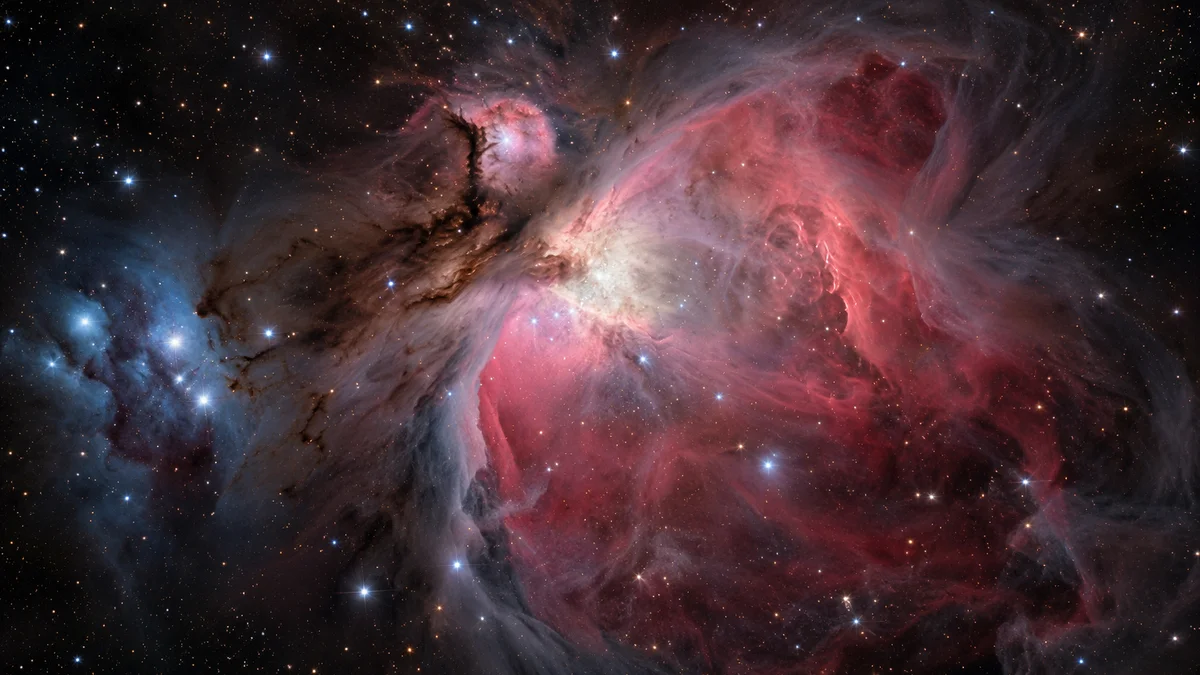
The Orion Nebula, also called M42, is a star-forming region about 1,500 light-years away. It belongs to the same spiral arm of our galaxy as the Sun, but it is outside our Solar System. NASA’s featured image supplies that wider setting.
For readers arriving from Solar System Live’s real-time planetary simulator, the useful question is how to connect these views without confusing them. Here is a route through the photograph, a telescope comparison and our own article archive: identify the place first, inspect the image second, then choose the view that answers your next question.
Where should I look for M42?
NASA’s Messier 42 guide places the nebula below Orion’s belt and says it can be spotted without a telescope from a dark site.
That gives you a direction to search in the sky. It does not give you a destination among the planets displayed by a Solar System simulator. Keep two questions separate: where does it appear from Earth? and what physical setting does it belong to?
On Solar System Live, use the Sun and planets as your familiar starting scene. When you turn to M42, switch resources rather than assuming that the nebula is another planetary stop. The photograph and its accompanying description provide the relevant guide.
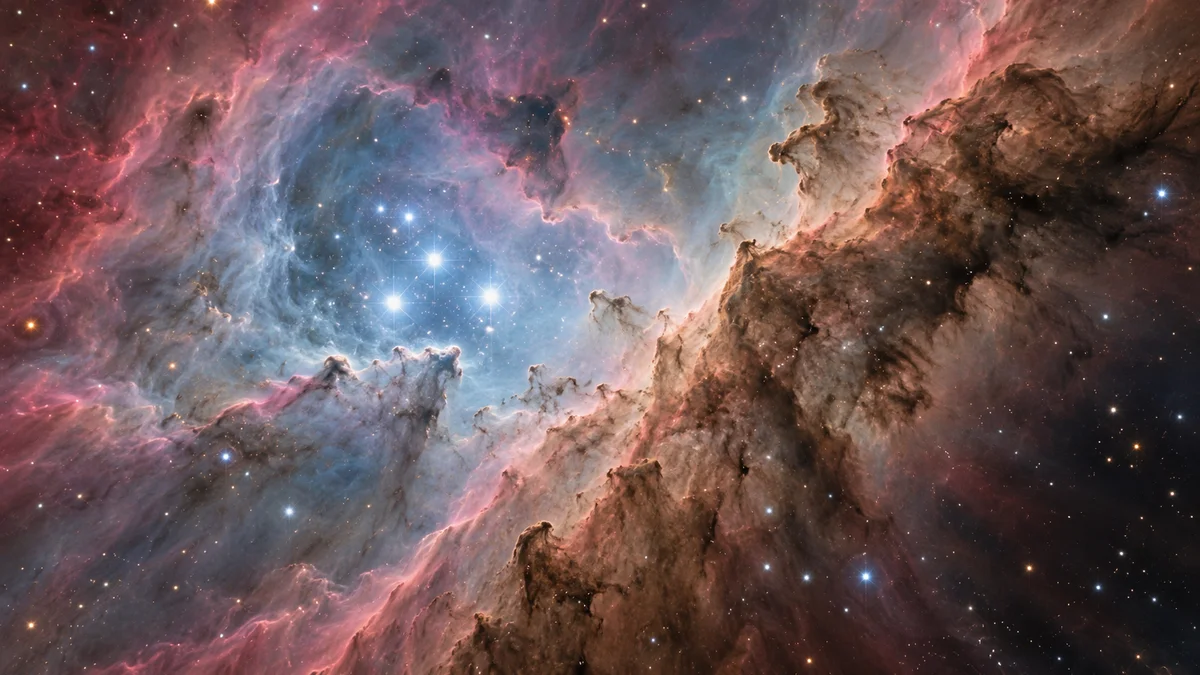
Are those the colors I would see?
The APOD explanation describes assigned colors and highlights hydrogen emission. Treat the palette as part of the image’s presentation, rather than a promise about the view through your eyes.
Before interpreting a colored patch, check the caption. Ask which observation the image represents and how it was displayed. A beautiful picture can invite an immediate impression; its description tells you which parts of that impression you can use.
There is a useful comparison in NASA’s paired visible-light and infrared views of the Trapezium. Both show this embedded stellar neighborhood through different observations. Inspect the pair before deciding that one photograph has shown you everything in the region.
What is the Trapezium?
It is the prominent central group whose four massive young stars form a trapezoidal pattern. NASA’s Hubble catalog entry explains that their ultraviolet radiation shapes a cavity in the surrounding nebula.
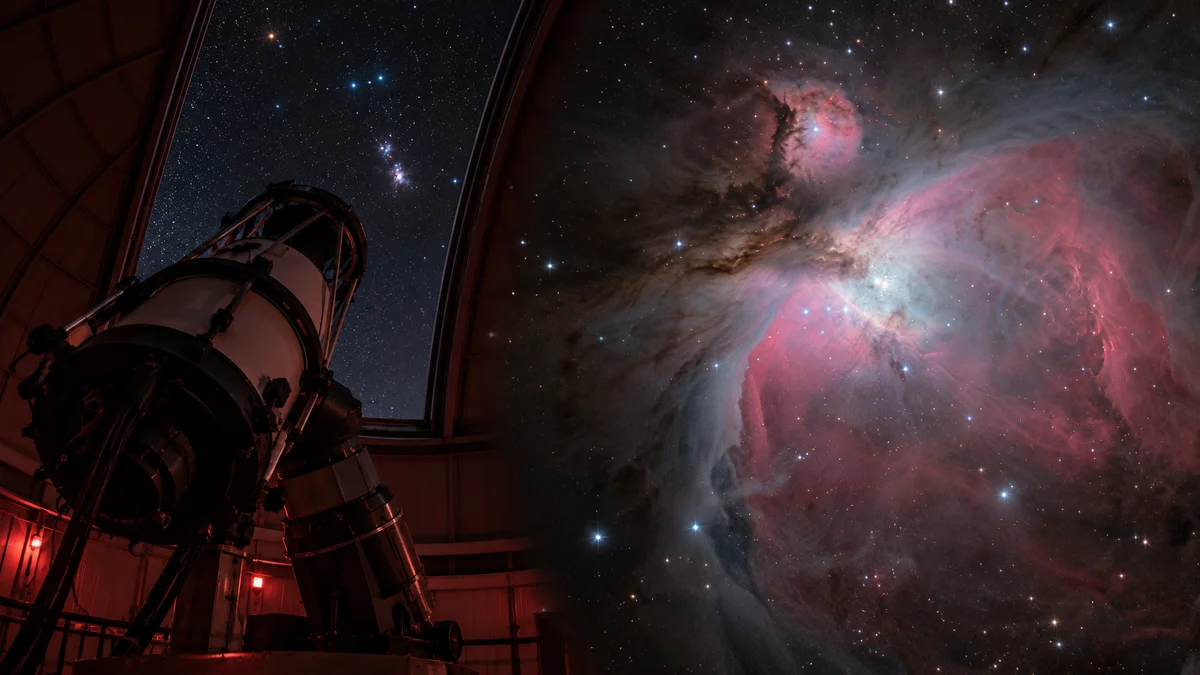
For your first inspection, distinguish the stars from the cloud around them. Then compare that central area with the visible and infrared pair. This gives your eye a specific task, instead of asking you to absorb every filament and bright patch at once.
Which view answers my question?
Our comparison below is a reading guide, not a new measurement of M42. It connects the simulator with the observations without pretending that they provide interchangeable information.
| Your question | Start here | What to check | |---|---|---| | How are the planets arranged in the simulated scene? | Solar System Live | Identify the Sun and the planets | | What does this M42 photograph represent? | NASA’s APOD page | Read the description of its assigned colors | | What changes between observing views? | NASA’s Trapezium comparison | Inspect the visible and infrared panels | | How should I read another unfamiliar astronomy image? | Our article archive | Identify the object and the image-making method |
Our guide to the Cocoon Nebula offers another cloud to investigate. Our article on a dark matter simulation gives you a different exercise: checking what a representation depicts before interpreting its appearance.
Start now with the Trapezium comparison. Find the central stars in each panel, then return to the APOD photograph. You will have a clearer question to bring to it: which features can this particular view reveal?